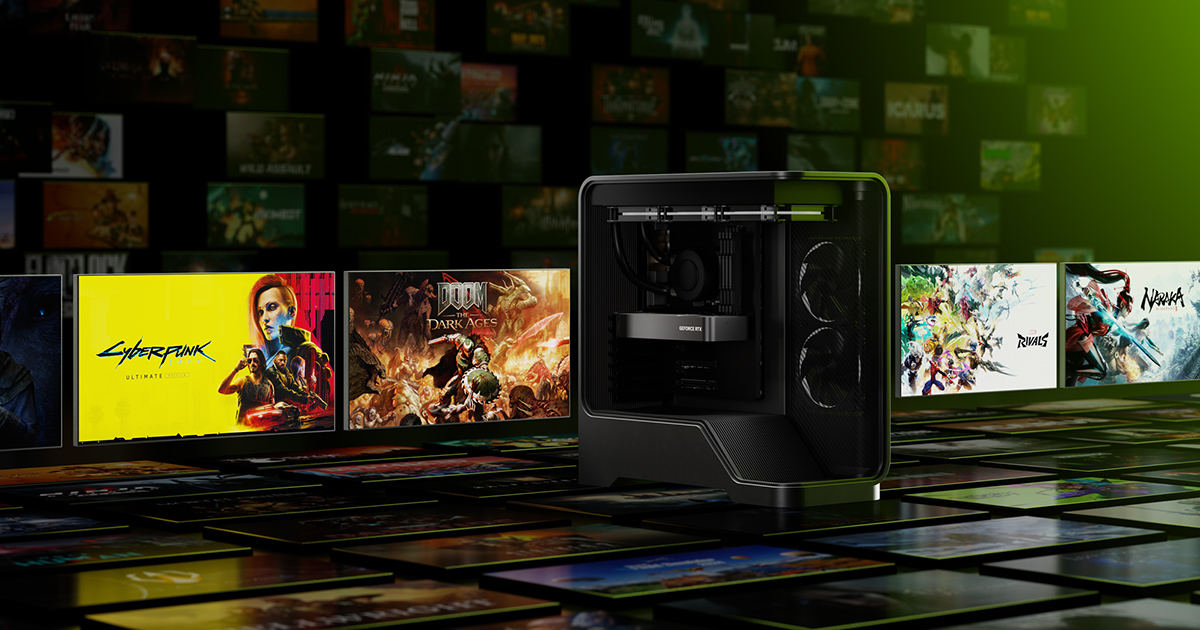
"144fps" isn't one target — it means something completely different in Valorant than it does in Cyberpunk 2077. Before spending a dollar, figure out which category you actually play, because that decision changes which GPU tier you need far more than any other part in the build.
The GPU is what buys you 144fps
Your graphics card determines your frame rate ceiling more than any other component, so it's where your budget should go first, not last. Right now, the sweet spot for 1080p 144fps sits around the NVIDIA GeForce RTX 5060 (8GB, launched at $299) and the AMD Radeon RX 7600 (currently found in the roughly $230-$280 range depending on sales).
The two cards land in similar territory but with a real distinction: the RX 7600 is a genuine powerhouse in esports titles — Counter-Strike 2, Valorant, Fortnite, Apex Legends — easily pushing well past 144fps at 1080p in those games. It's less consistent in demanding AAA titles at high/ultra settings, where you're more realistically looking at 90-120fps rather than a locked 144. The RTX 5060 covers similar esports performance while also adding DLSS 4 with Multi Frame Generation, which matters a lot if you also play graphically heavy single-player games — it's the difference between struggling to hit 60fps and comfortably clearing 90fps in something like Cyberpunk 2077 at 1080p.
If you play almost exclusively competitive/esports titles: either card gets you there, so buy whichever is cheaper on the day you shop. If you split time between esports and demanding single-player games: the RTX 5060 is worth the extra cost for DLSS support alone.
CPU: don't overspend, don't bottleneck
The GPU gets the spotlight, but pairing it with too weak a CPU will cap your frame rate regardless of GPU headroom, especially in CPU-heavy esports titles. The AMD Ryzen 5 7600 is the standout pick in this budget tier — six cores, strong single-thread performance, and it typically sells for under $200. It's efficient enough that it won't bottleneck either GPU above at 1080p, and it leaves room in the budget for a faster GPU or better RAM instead of an unnecessarily expensive CPU.
Resist the urge to buy a higher core-count CPU "for the future" here — most games at this resolution and refresh target are far more GPU-bound than CPU-bound, so that money is almost always better spent moving up a GPU tier.
Two real budget builds
| Component | Esports-focused build (~$650) | Balanced build (~$800) |
|---|---|---|
| GPU | AMD RX 7600 | NVIDIA RTX 5060 (8GB) |
| CPU | Ryzen 5 7600 | Ryzen 5 7600 |
| RAM | 16GB DDR5 | 16GB DDR5 |
| Storage | 1TB NVMe SSD | 1TB NVMe SSD |
| PSU | 550-650W | 650W |
The esports build will comfortably deliver CS2 at 300+fps, Valorant at 250+fps, and Fortnite around 120fps+ at 1080p high settings — everything a competitive-focused player needs. The balanced build handles the same esports titles just as well while adding real headroom in AAA games: expect Elden Ring around 120fps and Cyberpunk 2077 in the 65-90fps range with DLSS enabled, both at 1080p.
RAM, storage, and settings tips to actually hit 144fps
Hardware alone won't guarantee the number on the box — a few practical adjustments matter just as much:
- 16GB of RAM is the real minimum in 2026, not 8GB. Several modern titles will run on 8GB, but you'll see stutter and background swapping that costs you frames in exactly the moments you don't want it.
- An NVMe SSD isn't optional anymore. Beyond faster load times, several newer engines stream texture data in real time, and a slow drive can cause visible texture pop-in that no GPU upgrade fixes.
- Turn on DLSS or FSR upscaling in any game that supports it once you're on an RTX or Radeon card — it's the single easiest way to claw back 20-40fps in a demanding title without touching a slider that affects visual fidelity much.
- Cap your frame rate to your monitor's refresh rate (or just below it) in your GPU control panel. Uncapped frame rates past what your monitor can display waste GPU headroom and generate extra heat and noise for zero visible benefit.
Verdict
For a budget build chasing 144fps at 1080p, don't overthink it: put most of your money into the GPU, pair it with a Ryzen 5 7600, and don't skimp below 16GB of RAM or a proper NVMe SSD. If you're purely esports-focused, the ~$650 RX 7600 build gets you there cheaper. If you want a build that also handles modern AAA games well, the ~$800 RTX 5060 build is the better long-term buy thanks to DLSS support.